
Depending on your Collaboration Profile settings, you may be required to download the Blitzz Remote Assist mobile app. After downloading the Blitzz Remote Assist mobile app, you might wonder where to find the session ID to join a session. This article explains how to connect and what to do if you don’t see a code.
How to connect using Blitzz Remote Assist Mobile App
Download the Blitzz Remote Assist app from the appropriate store, Android from Google Play Store or iOS from the App Store. Look for the following app icon in the store.

After downloading, installing, and opening the mobile app you will see the screen below and wonder where is my code?

Return to the original invite link (SMS, WhatsApp, or Email) you received for the session and Tap the invite link again. The app will open and automatically connect you to the session.
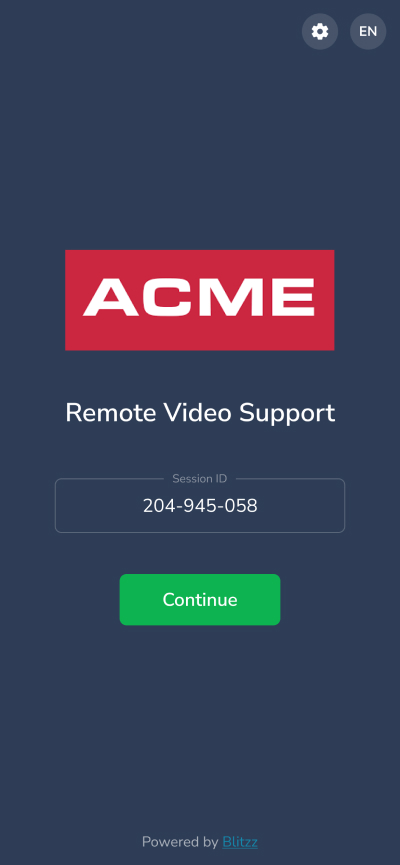
- Alternatively, you can manually enter the Session ID, a 9-digit code - inside the app.