
If you work with more than one Blitzz domain, you don't need to log out and back in to switch.
How to switch domains
- Open Blitzz Admin Settings.
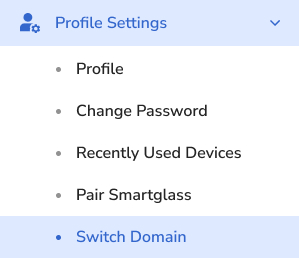
- Under Profile Settings, select Switch Domain.
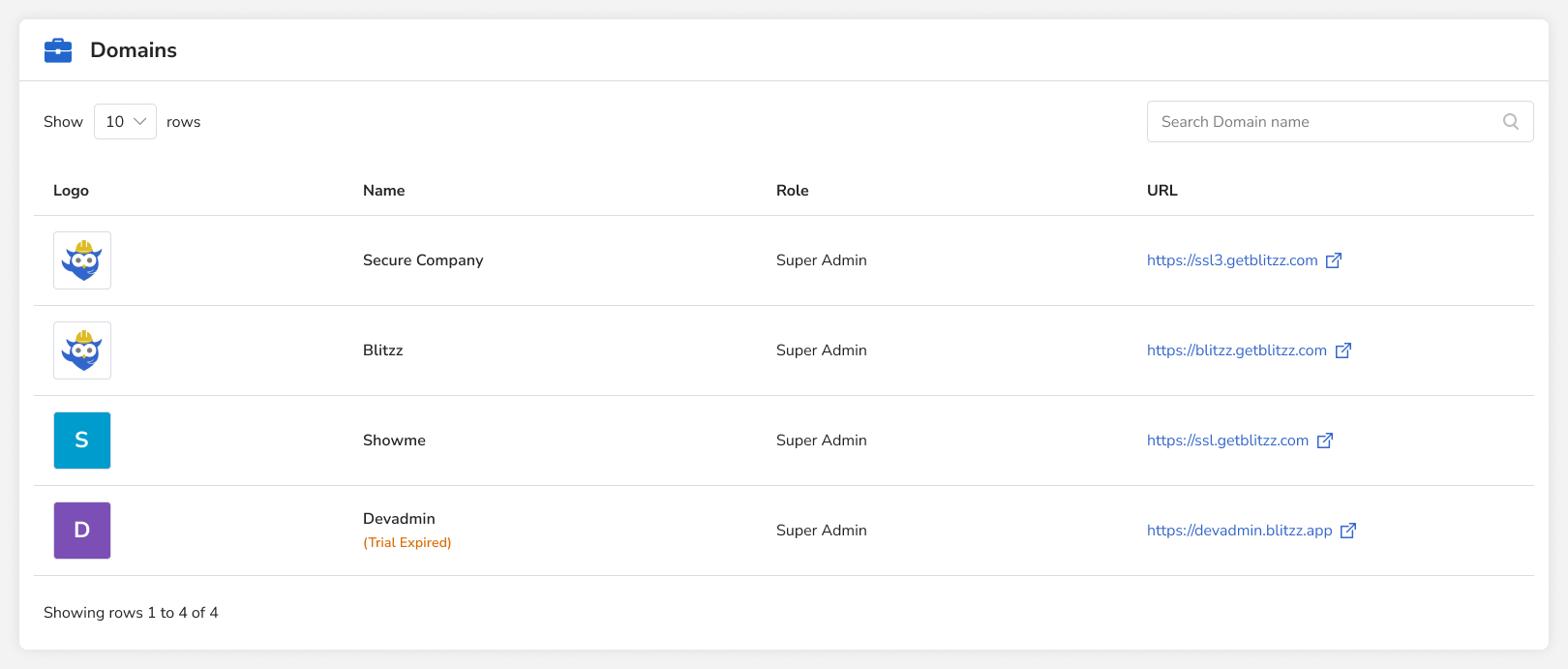
- A list of all domains you can access appears. Select one to go straight to it without logging in.
Requirement
You must be set up as a user with the same user ID (usually your email address) in each domain.
Frequently asked questions
Why don't I see a domain in the Switch Domain list?
You need a user account with the same user ID in that domain.