
Who can view this feature?
Users with User Manager Role on All Plans
Name changes may be required for various personal or professional reasons. As an Owner or Admin of a domain, you have the ability to update a user’s full name, email address, phone number, and role whenever needed.
How to Update a User’s Name or Email Address
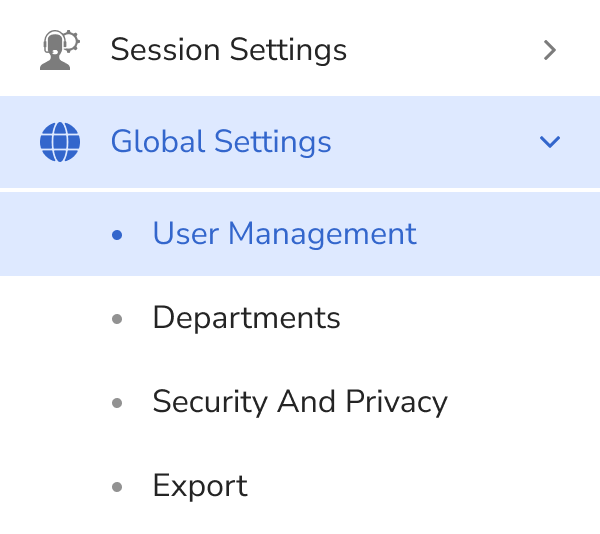
- Login as an Admin and click Global Settings in the left sidebar.
Click User Management from the expanded submenu.
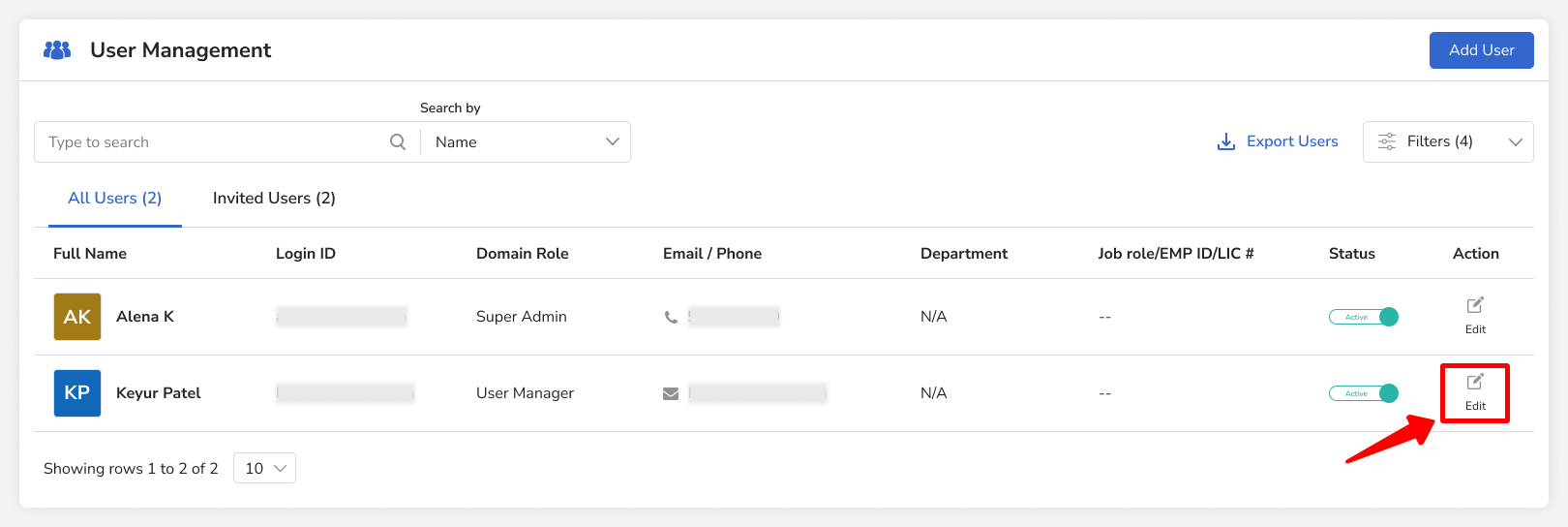
Click the Edit icon in the Action column for the user you want to update.
- Enter the updated first name, last name, or email address, and then click Save.