
We operate on the principle that, as the late South African leader Nelson Mandela said,
"talking to someone in a language they understand goes to their head, but talking to them in their own language goes to their heart."
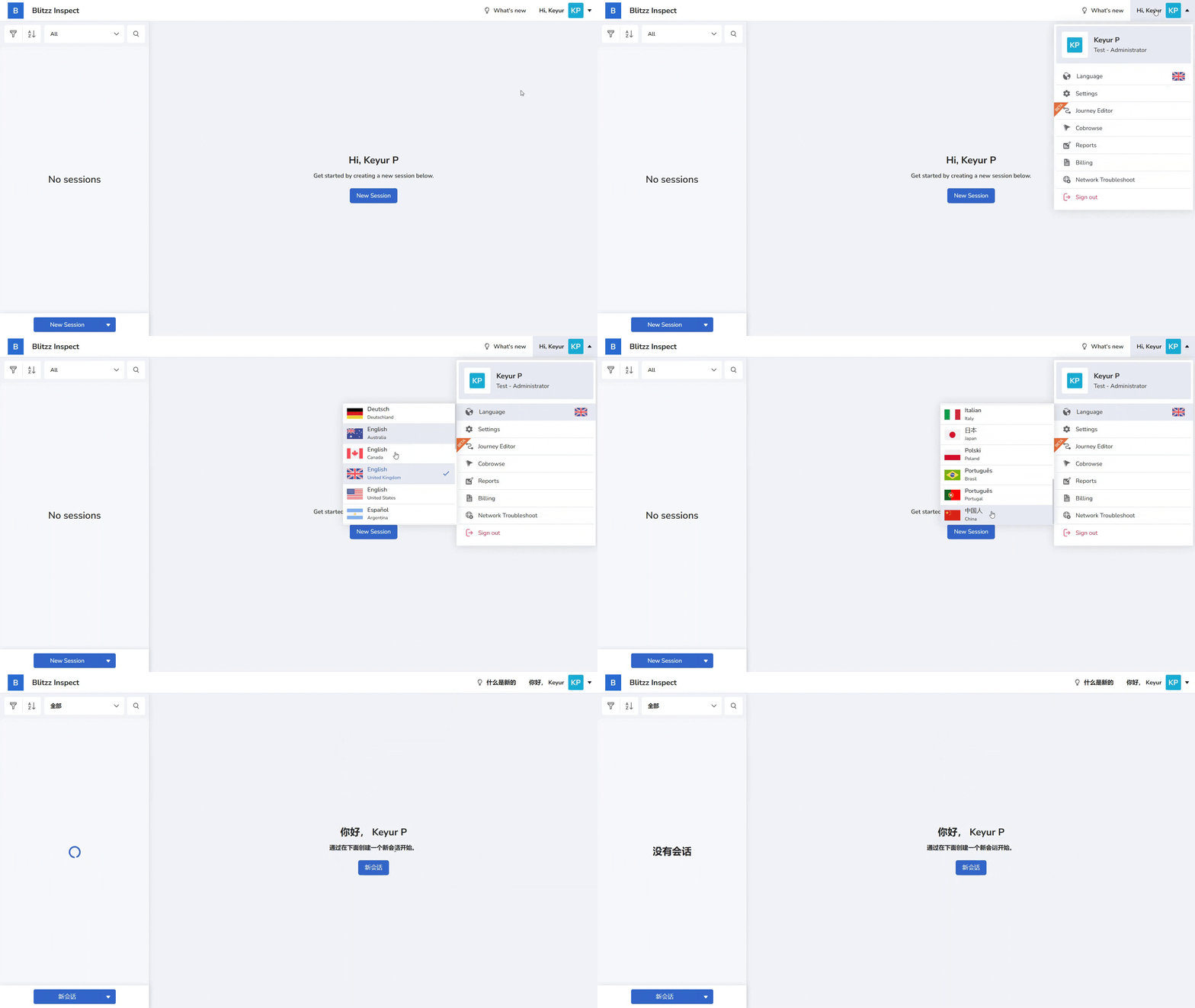
You can set the Blitzz Web and Mobile app to any of the following languages. If your preferred language isn’t yet supported, you can still type and read messages in that language by adjusting your spell‑check settings.
Languages Available in Blitzz
Blitzz Web and Mobile applications can be viewed in the following languages:
- Deutsch (Deutschland)
- English (United States)
- English (United Kingdom)
- English (Australia)
- English (Canada)
- Español (Argentina)
- Español (España)
- Español (Mexico)
- Français (Canada)
- Français (France)
- Italian (Italy)
- Polski (Poland)
- Português (Brasil)
- Português (Portugal)
- Slovenčina (Slovakia)
- 中国人 (China)
- 日本語 (Japan)
- 한국어 (Korea)
Note: Blitzz does not support right-to-left languages. We hope to include better support for these languages in the future. If you have special requirements, please contact our support team.
Change Your Language
To learn how to change your language in the Blitzz Web and Mobile applications, follow the guide here: Learn how to change your language.