- Login to your Dynamics 365 account and verify that your user has the System Administrator or System Customizer security role.
- Open marketplace.microsoft.com and search for "Blitzz Video Support for Dynamics 365". Then click on the Blitzz package link.
- Click Free trial from the application information page.
- Sign in with your Microsoft 365 administrator account if prompted.
- Select the Dynamics 365 environment where you want to install the solution.
- Review and accept the Terms of Use and Privacy Policy.
- Click Install.
- Wait for the installation to complete. You can monitor progress in the Power Platform Admin Center under Environments → [Your Environment] → Dynamics 365 apps. The status will change from "Installing…" to "Installed".
Find your installed packages
To verify the installation:
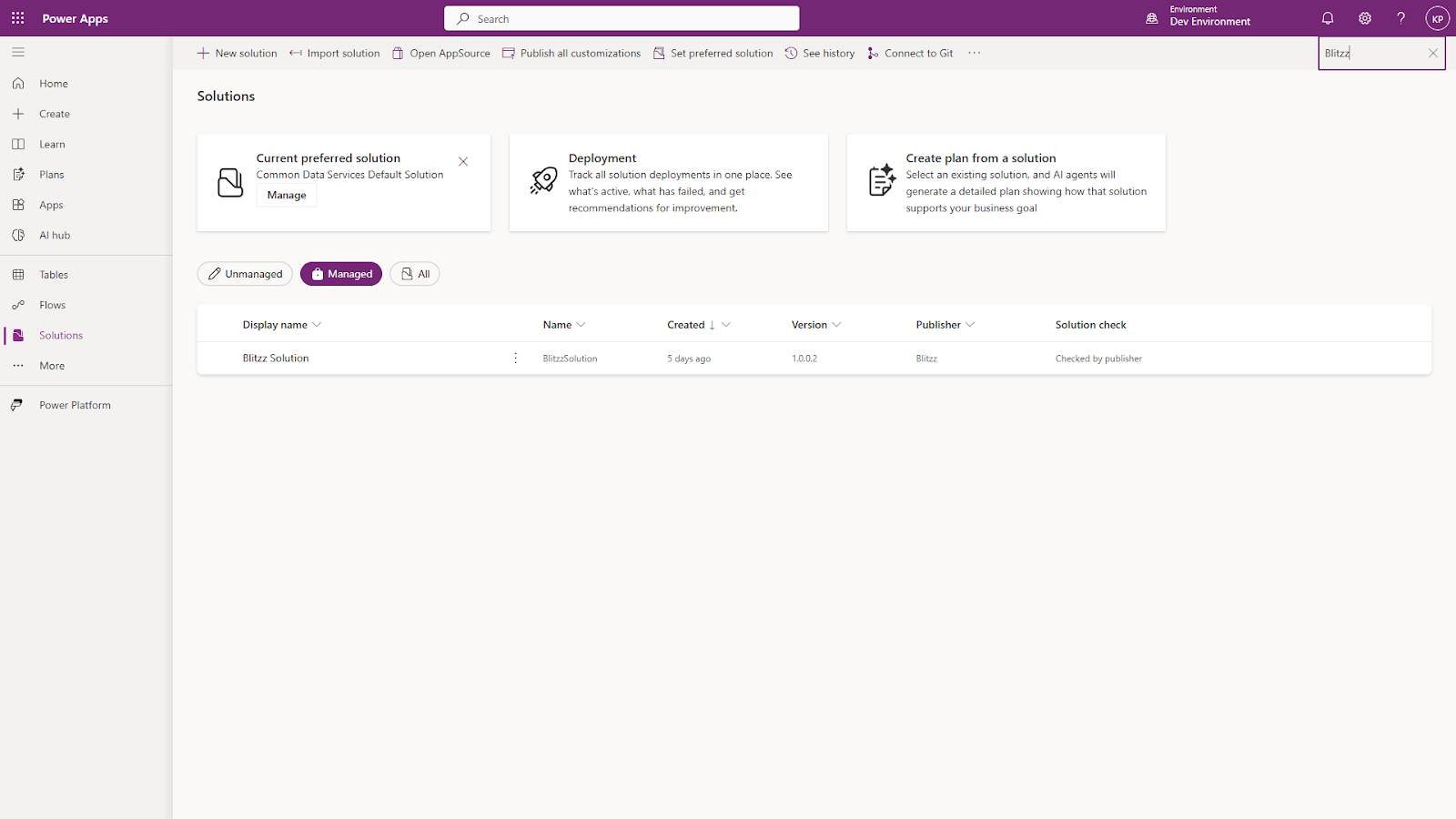
- Navigate to make.powerapps.com and select your environment.
- Click Solutions in the left navigation.
- Search for "Blitzz" to confirm the solution is listed with a status of Managed.