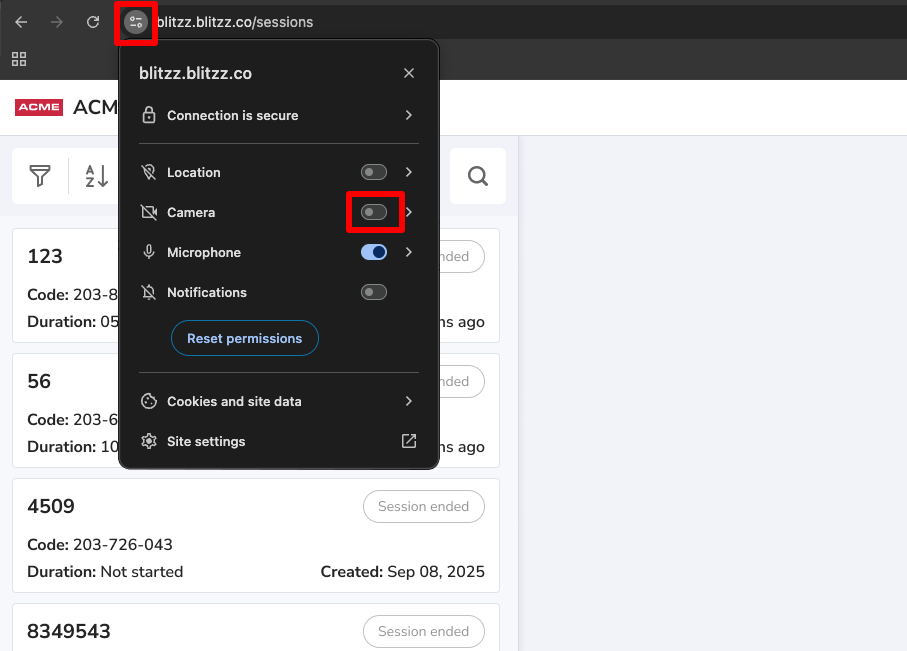
You can disable your camera from being accessed. To disable your camera, follow the steps below.
- Select the Tune icon located in the address bar.
- In the dropdown menu, find Camera.
- Set the toogle button Off for Camera.
- After changing the permission, refresh the page.