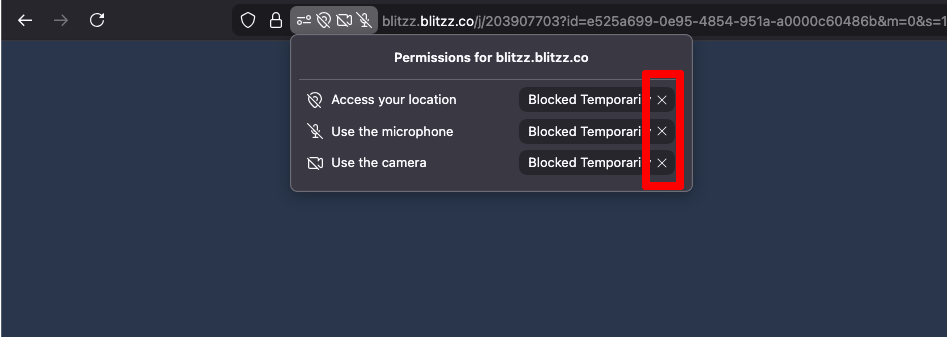
If your camera and mic are blocked in Firefox, there are a few steps you'll need to take in order to re-enable them for use on a call:
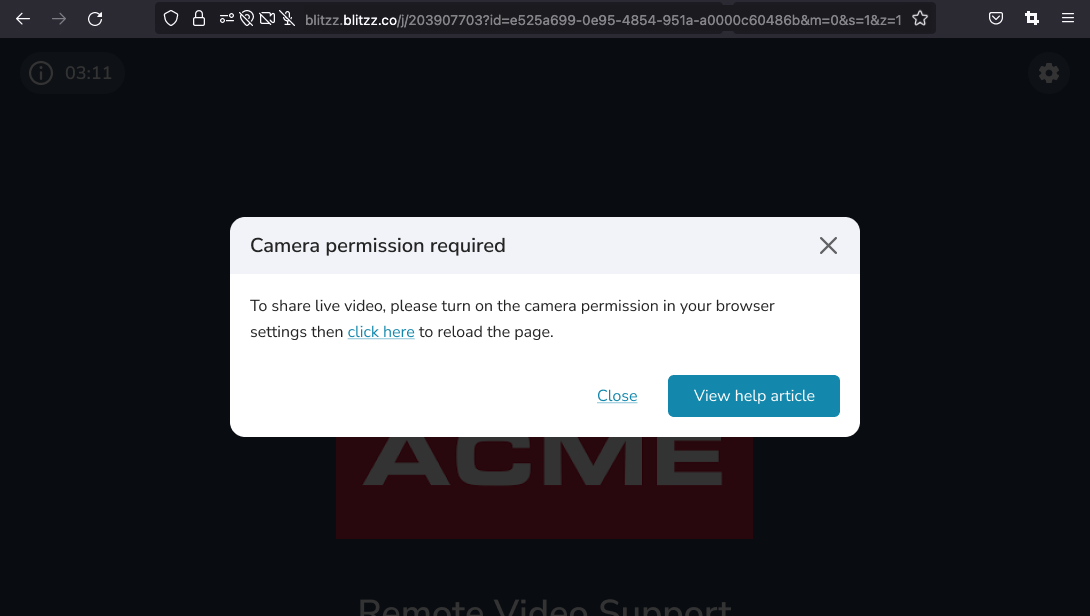
How to re-enable the camera and microphone on desktop / laptop
- Click the Tune icon on the left side of the address bar.
- In the small menu that appears, look for camera and microphone permissions, click the “X” (clear button) next to any “Blocked Temporarily” entries.
- Refresh the browser tab.