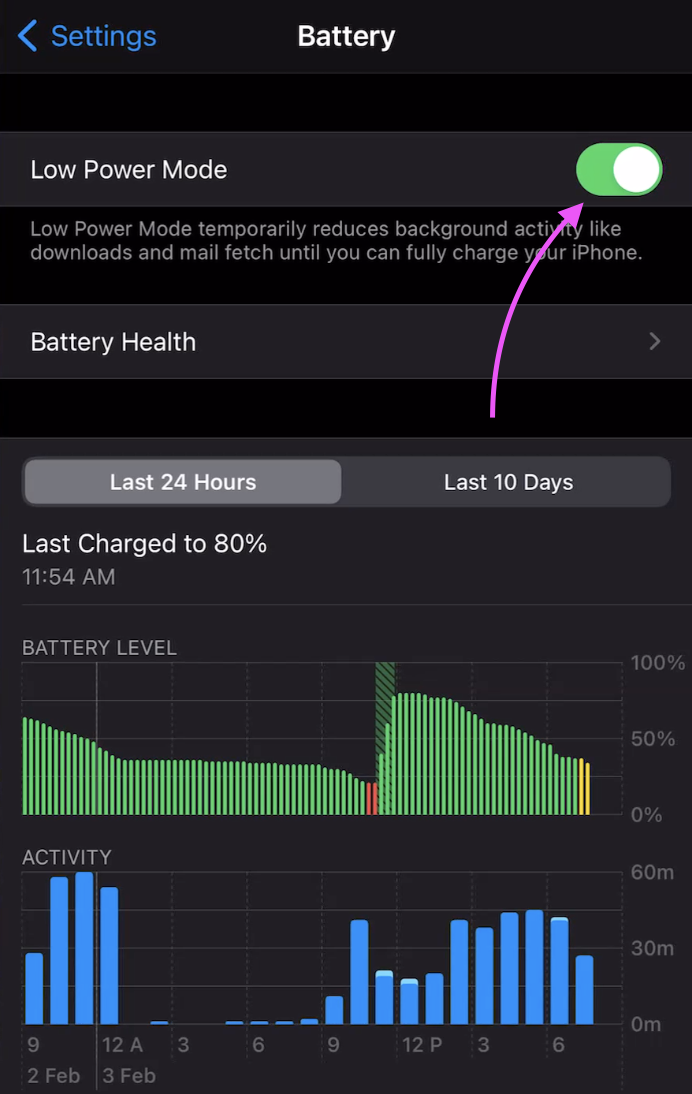
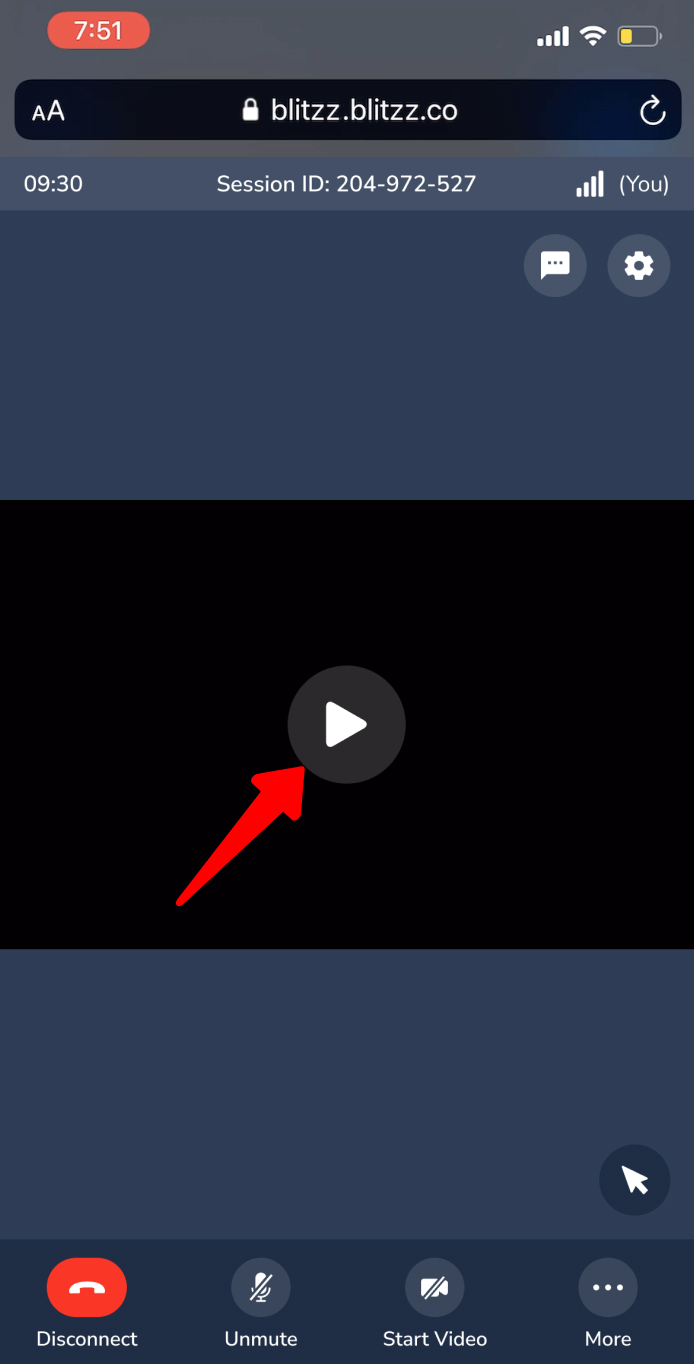
Low Power Mode or operating your device without being plugged into a power source may cause it to enter a power-saving state. This can reduce device performance and may prevent video or screen share from displaying properly. To fix this issue, please charge your device or disable Low Power Mode from your device settings.
How to Disable Low Power Mode on iPhone
- Open the Settings app on your iPhone.
- Scroll down and tap Battery.
- Toggle OFF Low Power Mode.